


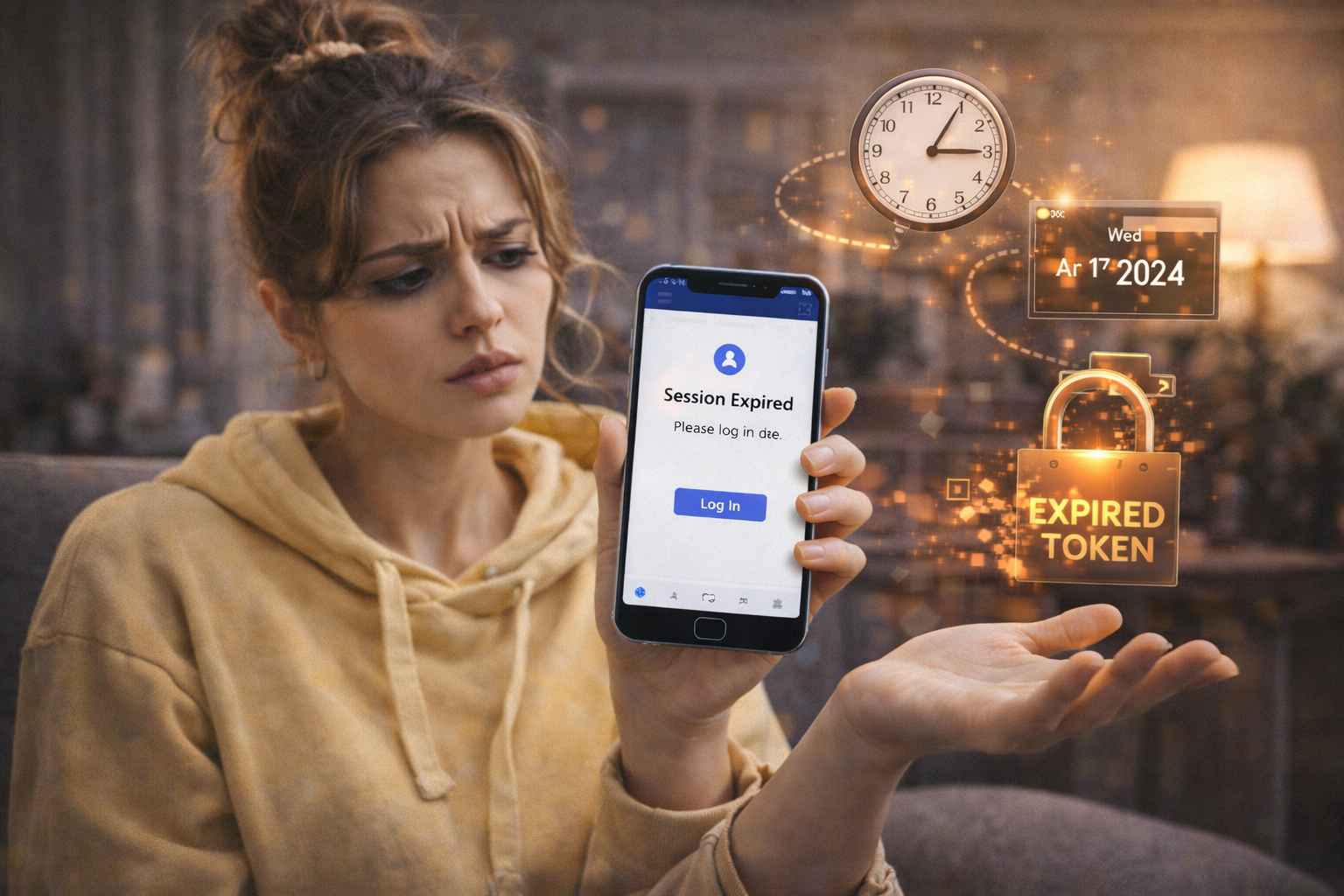
⏰ Facebook Logs You Out Immediately After Login: Token Error Caused by Device Time and Date Drift
If you log into Facebook, briefly see the interface load, and then get logged out instantly as if your session never existed, you are almost certainly facing a token validation error caused by device time and date drift. This issue is subtle, deeply technical, and incredibly easy to misdiagnose, because nothing looks wrong on the surface. Your password is correct, your account is active, your internet connection is stable, and yet Facebook simply refuses to keep you signed in ⏳🔐.
What makes this problem particularly deceptive is that it mimics account security enforcement. Many users assume they have been flagged, restricted, or compromised, when in reality Facebook is doing exactly what it is designed to do: rejecting authentication tokens that appear invalid based on time consistency rules. To understand why this happens, we need to look at how Facebook sessions actually work under the hood.
🔍 Definition: What Does “Immediate Logout After Login” Really Mean?
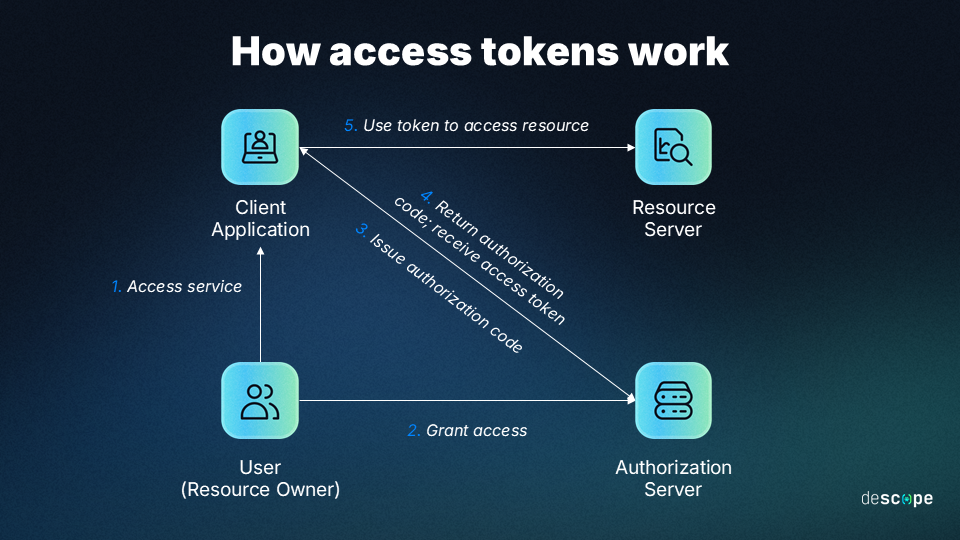
When Facebook logs you out immediately after a successful login, it means that authentication technically succeeded, but session validation failed milliseconds later. Facebook issues a short-lived authentication token during login, which is cryptographically signed and time-bound. Your device presents this token back to Facebook to prove it is still authenticated.
If your device’s system clock is even slightly out of sync with real time, Facebook’s servers may interpret that token as either not yet valid or already expired. In both cases, the server invalidates the session instantly, forcing a logout without displaying a clear explanation. From the user’s perspective, it feels like Facebook is rejecting them arbitrarily, but from the server’s perspective, it is enforcing strict security rules 🧠.
📌 Why Time Drift Matters More Than You Think
Modern authentication systems are extremely sensitive to time. Facebook relies on synchronized timestamps to prevent replay attacks, session hijacking, and token reuse. Even a drift of a few minutes can be enough to break this trust model.
This issue often appears after manual date or time changes, battery drain events, traveling across time zones, using custom ROMs, dual-boot environments, or devices that have been offline for long periods. In some cases, the device displays the correct local time visually, but internally uses an incorrect UTC offset, which is what actually breaks token validation ⚠️.
🧠 How Device Time and Date Drift Creates Token Errors
During login, Facebook generates a token that includes issuance time, expiration time, and cryptographic signatures tied to those timestamps. When your device sends the token back, Facebook checks whether the current server time aligns with the token’s expected validity window.
If your device clock is ahead, the token appears expired immediately. If your device clock is behind, the token appears not yet valid. Either scenario causes Facebook to invalidate the session instantly without triggering a visible error message, because from a security standpoint, the token cannot be trusted 😶🌫️.


🛠️ How to Detect This Problem Reliably
The strongest indicator is consistency. If Facebook logs you out immediately every single time, across multiple login attempts, but works fine on another device or browser using the same account, the account itself is not the issue.
Another strong signal is cross-platform behavior. Facebook may work in a browser on another device, but fail on the affected phone or computer regardless of network, password resets, or app reinstalls. This isolation points directly to a local environment problem, and time drift is one of the most common culprits 🧪.
A final confirmation comes from checking your device’s time settings. If the time is set manually instead of automatically, or if the time zone does not match your actual location, you have likely found the cause.
📊 A Real-World Example That Explains It Perfectly
In one real case, a user manually adjusted their phone’s time to test an app behavior and forgot to revert it. Days later, Facebook began logging them out instantly after every login. Password resets, cache clearing, and even reinstalling the app had no effect. The moment automatic time and date synchronization was re-enabled, Facebook sessions stabilized immediately. The user described it as “Facebook suddenly trusting my phone again,” which is exactly what happened 😊.
📈 A Metaphor That Makes It Instantly Clear
Imagine entering a building with a time-stamped access badge. The guard checks the badge against their clock. If your watch says it is yesterday or tomorrow, the guard assumes the badge is forged or expired, even if it looks authentic. Facebook’s token system works the same way. Time disagreement equals zero trust 🕰️🚪.


❓ Frequently Asked Questions (FAQ)
- Why does Facebook log me out instantly without an error message?
Because token validation fails silently for security reasons. - How much time drift causes this issue?
Sometimes as little as two to five minutes is enough. - Does this affect only Facebook?
No, other secure apps may also fail in subtle ways. - Can this happen on both Android and iOS?
Yes, any device with incorrect system time can trigger it. - Does changing the password fix it?
No, the issue is not related to credentials. - Why does Facebook work on another device?
Because that device has correct time synchronization. - Can VPN usage cause this?
Indirectly, if it interferes with time sync services. - Does battery removal affect time drift?
Yes, especially on older or modified devices. - Is this a security risk?
No, it is Facebook protecting you. - Is the fix permanent?
Yes, once time sync is restored.
🤔 People Also Ask
Why does Facebook keep kicking me out after login?
Because the authentication token fails time validation.
Can incorrect time really break apps?
Yes, especially apps using encrypted sessions.
Why does enabling automatic time fix it?
Because it restores trust between device and server.
Does time zone matter as much as clock time?
Yes, both are critical.
Should I contact Facebook support?
Usually unnecessary, this is a local device issue.
✅ Final Thoughts
When Facebook logs you out immediately after login, the instinct is to blame passwords, security flags, or account restrictions. In reality, a device time and date drift can quietly undermine the entire authentication process by invalidating session tokens before they even have a chance to live. Once you align your device’s clock with real time, Facebook stops seeing you as suspicious and starts treating your login exactly as it should. The fix is simple, but the understanding behind it saves hours of frustration 😌⏰.
You should also read these…
- godwig.com – long posts notes issues on twitter x formatting li
- beofme.com – surprising differences between physical and chemic
- olddry.com – lightweight flexibility using durpack in shoe and
- toojet.com – thermal insulation with foam energy efficiency in
- surgeblog.com – search not working or incomplete operators and fil
- soturk.com – optimize your machinery discover premium transmiss
- sixrep.com – the power of gratitude for emotional well being
- getaluck.com – authenticator codes not working time sync and back
- beofme.com – daily gratitude habits that actually reduce stress
- spyfrogs.com – video not saved after shooting on tiktok

