


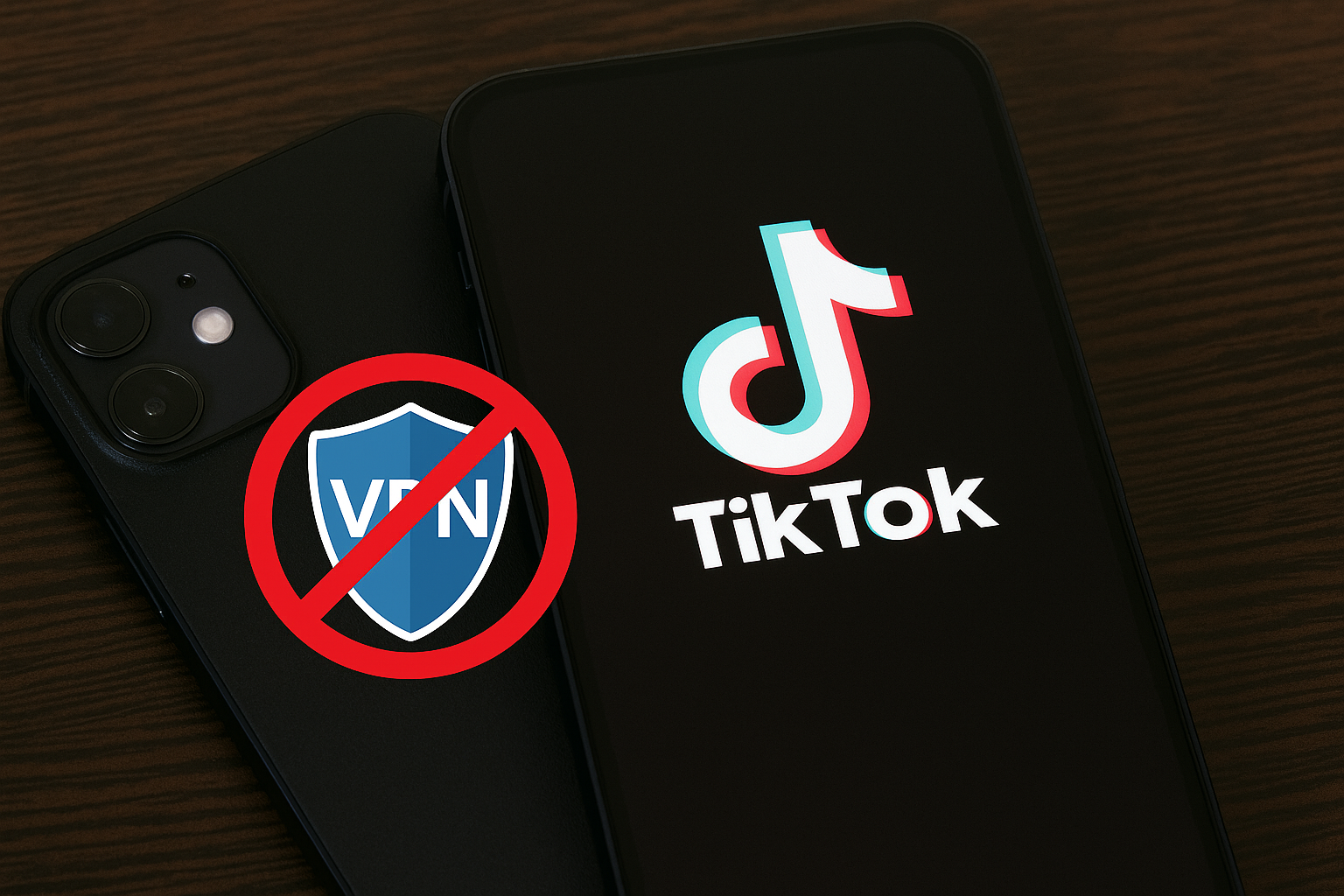
TikTok Not Working with VPN: Alternative Fixes 🌍🔒📱
TikTok is one of the most downloaded apps in the world 🌎✨—but sometimes, it just won’t play nice with your VPN. You connect, hit the TikTok icon, and suddenly… nothing. Blank screens, endless loading, or error messages telling you “No network connection.”
If you’re here, chances are you’ve run into the frustrating problem of TikTok not working while using a VPN. Whether you’re trying to access region-restricted content, bypass a block, or just protect your privacy, running into this issue can be a real buzzkill 😩.
The good news? There are professional fixes and alternative solutions you can try. In this mega guide, we’ll cover:
- Why TikTok sometimes blocks VPN usage
- How it compares to other apps with VPN restrictions
- Step-by-step solutions & alternative methods
- Real-life anecdotes, metaphors, and insights
- 10 FAQs + answers to give you total clarity
By the end, you’ll know exactly how to keep scrolling smoothly—even if your VPN seems to get in the way 💪.
🔍 Why Doesn’t TikTok Work with VPNs?
There are a few reasons TikTok may refuse to work while you’re on a VPN:
- Server Restrictions 🌐
TikTok uses geo-restrictions to comply with regional laws. Some VPN servers may be blacklisted. - IP Address Flagging 🚫
If many users connect from the same VPN IP, TikTok may block it for suspicious activity. - Connection Speed Drop 🐌
VPNs can slow down your internet, causing TikTok to load poorly or not at all. - VPN Protocol Conflicts 🔐
Certain VPN protocols may not work well with TikTok’s data requirements. - Device/OS Compatibility 📱
Some phones handle VPN traffic differently, especially older models.
👉 According to TechRadar, TikTok actively blocks some VPNs to enforce licensing and regional restrictions. This is why not all VPNs are created equal when it comes to TikTok access.
📊 TikTok vs Other Apps with VPN Usage
| App | VPN Compatibility | Common Problems |
|---|---|---|
| TikTok 🎶 | Medium–Low | Blocked servers, login issues |
| Instagram 📸 | High | Occasional login verification |
| YouTube ▶️ | High | Rare regional content blocking |
| Netflix 🎬 | Low | Aggressive VPN blocking |
👉 TikTok sits between YouTube (easy to use with VPNs) and Netflix (strictest VPN blocker).
🧑💻 Real-Life Anecdote
A friend of mine was traveling in the Middle East and couldn’t access TikTok because of regional restrictions. He connected to a random free VPN, but TikTok refused to load. Later, he switched to a premium VPN with optimized streaming servers, and boom 💥—TikTok worked perfectly.
The lesson? Not all VPNs are equal. Sometimes, the problem isn’t TikTok itself but the quality of the VPN service.
🛠️ Professional Fixes & Alternatives
Here’s how to solve the “TikTok not working with VPN” problem:
1. Switch VPN Servers 🌍
If one server doesn’t work, try another in the same region. TikTok may block specific IPs.
2. Use a Premium VPN 🔒
Free VPNs are more likely to be blocked. Paid services like NordVPN, ExpressVPN, or Surfshark offer more reliable servers.
3. Change VPN Protocol ⚙️
Switch between OpenVPN, WireGuard, or IKEv2 in your VPN app settings.
4. Clear TikTok Cache 🧹
Profile → Settings & Privacy → Free Up Space → Clear Cache.
5. Restart Your Device 🔋
This refreshes network connections.
6. Update TikTok & VPN Apps 🔄
Ensure both apps are running the latest versions for compatibility.
7. Check Internet Speed 📶
TikTok needs fast speeds. Run a speed test—if your VPN is too slow, TikTok may fail to load.
8. Disable VPN Temporarily 🛑
If you don’t need it for privacy, try running TikTok without VPN.
9. Try Proxy or Smart DNS 🌐
Services like Smart DNS can bypass geo-blocks without the speed loss of a VPN.
10. Use TikTok Web Browser Version 💻
Go to TikTok.com. Even if the app fails, the website might work.
🎨 TikTok and VPN = Locked Door with the Wrong Key 🔑🚪
Imagine TikTok as a nightclub 🎶. Normally, your phone is the ticket in. But with a VPN, it’s like showing up with a fake ID. Sometimes the bouncer (TikTok servers) waves you in, sometimes they say “Nope, not tonight.”
The solution? Find the right ID (server), use a VIP pass (premium VPN), or try a side entrance (web version).
💡 Insights from Experts
VPN experts often recommend using services with obfuscated servers that disguise VPN traffic. According to PCMag, obfuscation helps bypass VPN detection, making TikTok think you’re connecting normally.
❓ 10 Frequently Asked Questions (FAQs)
1. Why won’t TikTok work with my VPN?
Because TikTok blocks some VPN IPs or your connection is too slow.
2. Which VPN works best for TikTok?
NordVPN, ExpressVPN, and Surfshark are highly reliable.
3. Can free VPNs unblock TikTok?
Rarely. Most free VPNs are blacklisted.
4. Does VPN slow down TikTok?
Yes, VPNs can reduce speed, causing lag or loading errors.
5. Can I use TikTok Lite with VPN?
Yes, but the same blocking issues may occur.
6. Does TikTok ban VPN usage?
Not directly, but it blocks suspicious IP addresses.
7. Will using VPN affect my TikTok account?
No, but you may face login verification checks.
8. Why does TikTok only work without VPN?
Because your VPN’s server is either too slow or blacklisted.
9. Are proxies safer than VPNs?
No, proxies lack encryption—VPNs are safer.
10. Is Smart DNS a good alternative?
Yes, Smart DNS can bypass geo-blocks faster than VPNs, but without encryption.
🏁 Keep TikTok Running Smoothly 🚀🎶
When TikTok won’t work with a VPN, it feels like the app is locked behind an invisible wall 😤. But don’t panic—most of the time, it’s fixable with simple steps:
- Switch servers or VPN protocols
- Use premium VPNs with obfuscation
- Clear cache, restart, update
- Try alternatives like Smart DNS or TikTok Web
Think of VPNs as keys 🔑. If one doesn’t fit, you just need the right one. With the right tools, you’ll unlock TikTok anywhere in the world 🌍✨.
So next time your VPN blocks the fun, remember—you’ve got plenty of doors to try. TikTok isn’t going anywhere 😉.
You should also read these…
- surgeblog.com – pipe insulation with termawrap uv resistance and l
- godwig.com – how to contact tiktok support for account recovery
- noepic.com – how a spin wheel can change your decision making g
- soturk.com – how to build a capsule wardrobe for under 200
- sixrep.com – what is the blocking logged in checkpoint error us
- spyfrogs.com – why are sounds restricted on tiktok
- olddry.com – career burnout signs most people miss
- axtly.com – cant add product links on tiktok
- spyfrogs.com – inside the making of 2025s blockbuster hits
- noepic.com – how to speed up a slow laptop with simple tweaks

